
Why Create a Bananzia Account?
Bananzia is a growing online community for food lovers, home cooks, and anyone who enjoys discovering new recipes. Whether you want to save your favourite dishes, share your own culinary creations, or connect with like-minded people across the UK, a free account unlocks all the core features. Registration is straightforward, but a few small details can make the process smoother. This guide walks you through everything you need to know.
What You Will Need Before You Start
Before visiting the sign-up page, gather the essentials. You will need a valid email address that you can access immediately, as Bananzia sends a verification link. Choose a strong password that combines letters, numbers, and at least one symbol. A display name is also required; this is what other members will see, so pick something memorable but not too personal. Finally, decide whether you want to receive occasional newsletters about new recipes and site updates. You can change this preference later in your account settings.
Step-by-Step Registration Process
Follow these steps to create your account without errors:
- Visit the sign-up page: Go to the Bananzia homepage and click the ‘Register’ or ‘Join Now’ button, usually found at the top right corner.
- Enter your email address: Type it carefully. Typos are the most common reason for failed verification.
- Create a password: Use at least eight characters. Avoid obvious choices like ‘password123’ or your birth date.
- Choose a display name: This can be your real name, a nickname, or a culinary-themed alias. It must be unique on the platform.
- Agree to the terms: Read the community guidelines and privacy policy, then tick the box to confirm.
- Submit the form: Click ‘Create Account’. You will see a confirmation message on screen.
- Verify your email: Check your inbox for a message from Bananzia. Click the verification link within 24 hours. If you do not see it, check your spam or junk folder.
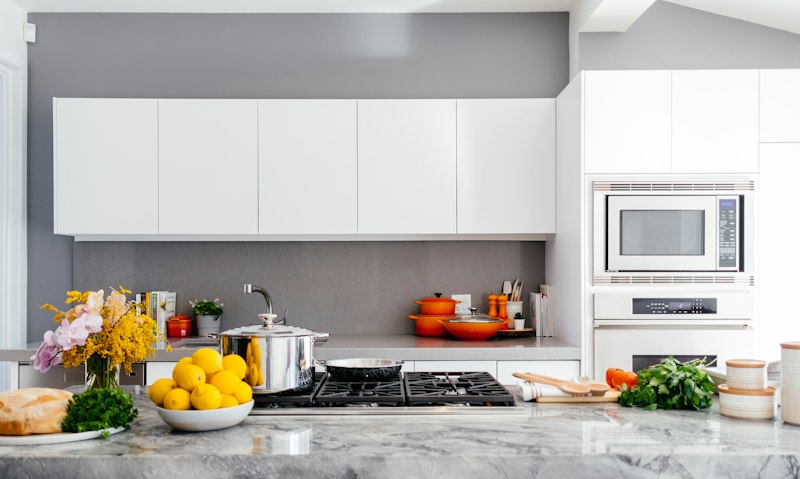
Registering on bananzia requires just a few basic details and an email address.
Common Issues and How to Fix Them
Sometimes registration does not go as planned. If you do not receive the verification email, wait a few minutes and then request a new one. Make sure your email provider is not blocking messages from unknown senders. If your chosen display name is already taken, the system will prompt you to pick another. Password errors usually mean the password is too short or lacks complexity. In rare cases, the site may be down for maintenance; try again after an hour. If problems persist, use the ‘Contact Us’ link at the bottom of the page.
After You Register: Setting Up Your Profile
Once your email is verified, log in and complete your profile. Add a profile picture, write a short bio, and list any dietary preferences or favourite cuisines. This helps other members understand your tastes. You can also adjust notification settings, link social media accounts, and choose whether your profile is public or private. A complete profile makes it easier to join discussions, save recipes, and follow other cooks. Take five minutes to fill it in properly.
Tips for a Smooth Experience
Use a password manager to store your login details securely. Keep your email address up to date in case you need to reset your password. If you plan to share recipes, read the posting guidelines first to avoid having your content removed. Finally, enable two-factor authentication if Bananzia offers it; this adds an extra layer of security. With your account ready, you can start exploring recipes, leaving reviews, and building your own collection.
Conclusion
Creating a Bananzia account takes only a few minutes and opens up a world of culinary inspiration. By following the steps above, you will avoid common pitfalls and be ready to engage with the community. Remember to verify your email promptly and set up your profile to get the most from the platform. Happy cooking and happy connecting.